DiskBoard
Free disk benchmark and S.M.A.R.T. health monitor for macOS and Windows
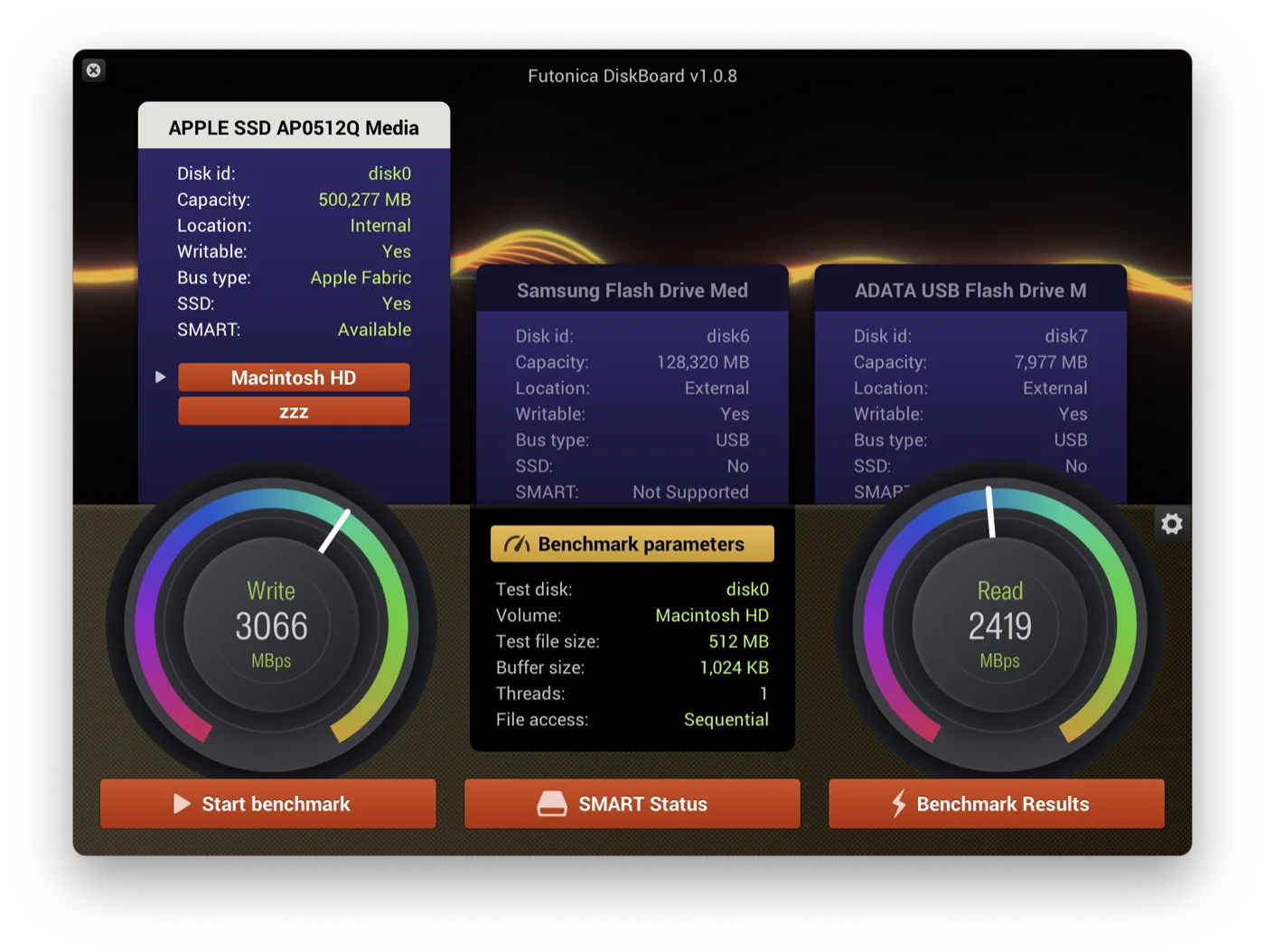
DiskBoard is a free tool that shows every drive in your computer on one screen, tests how fast it really is, and tells you whether it is healthy. Tune the test to match how you use the drive, from a quick everyday check to a full stress run, and read the results off clear graphs with SATA, USB and NVMe reference lines. Your results join the DiskBoard rankings, so you can compare your drive with thousands of others and see where it stands.
Benchmark, check health, compare.
Every connected drive shows up as a card with its bus, capacity and S.M.A.R.T. state. Pick one, tune the test, and read the result off a gauge.
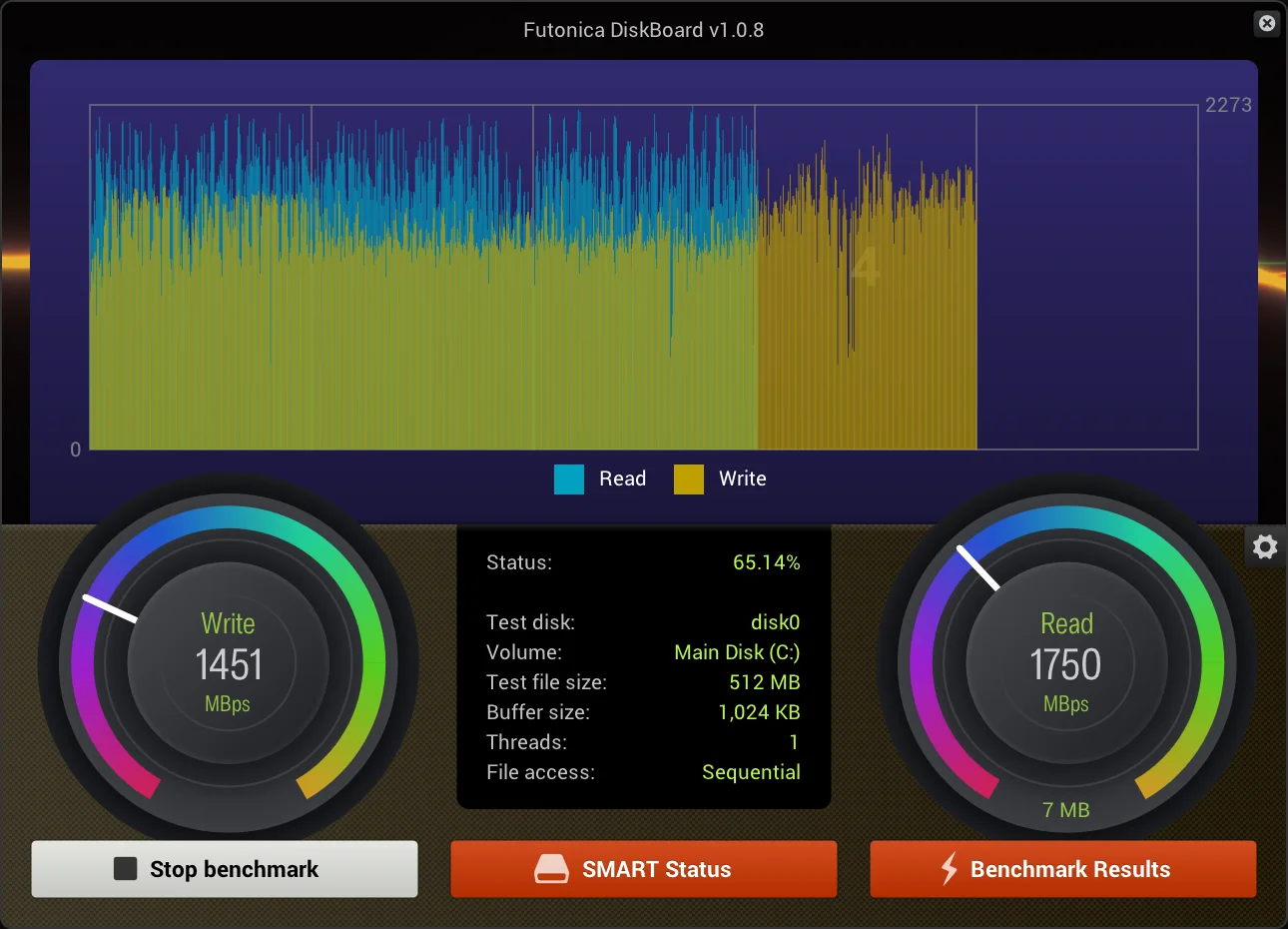
Sequential and random read/write tests
Choose file size, buffer size, thread count and access pattern to match the workload you care about. Live graphs show every operation as it runs.
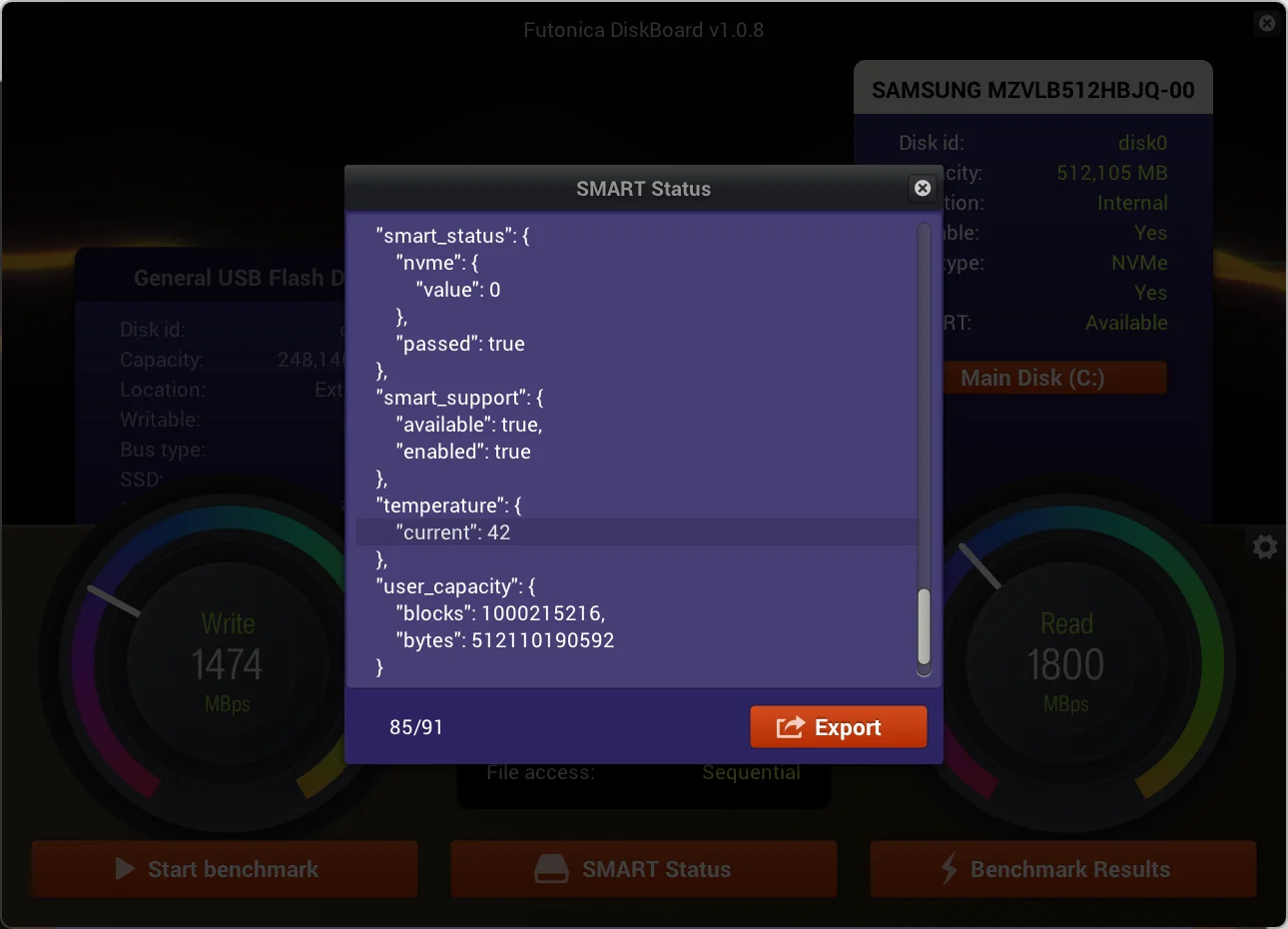
Check SSD and hard drive health
Temperature, wear, reallocated sectors and every other attribute the drive reports, for internal, external and USB devices.
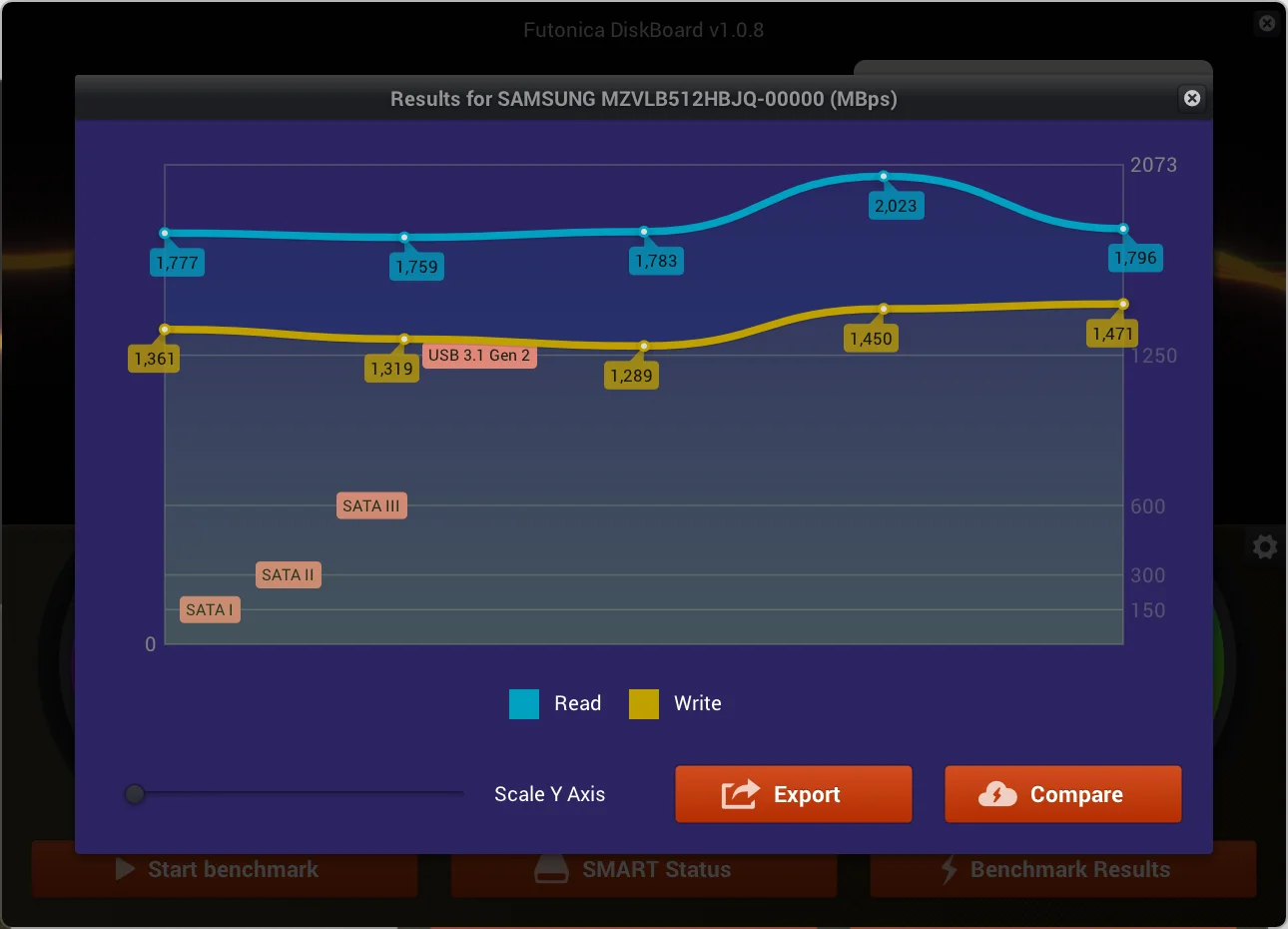
See how your drive ranks worldwide
Upload a result with one click and compare it against the same model in other people's machines, or browse the fastest drives on the board.